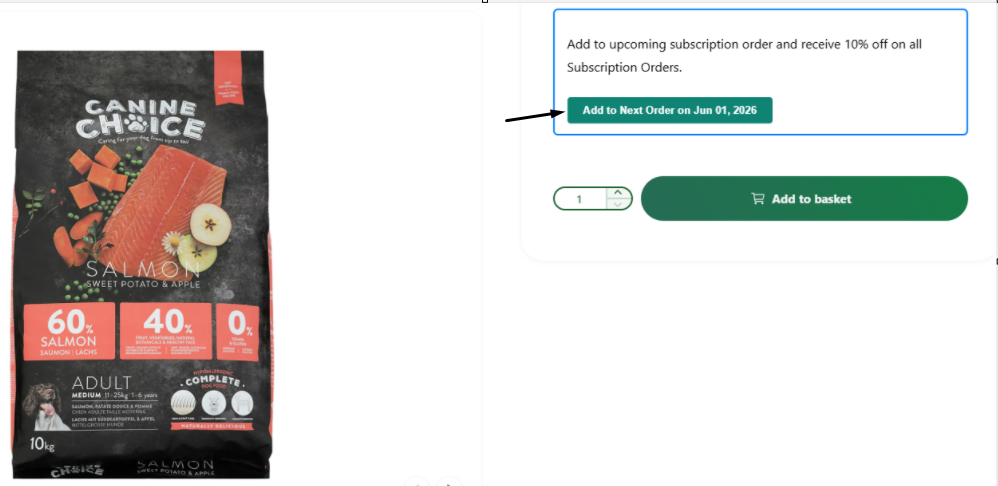
- To add a product to an existing subscription, go to the product’s page and select “Add to Next Order.”
- Then choose “Add one-time” to include the item as a single addition to your next subscription delivery, or select “Start a new subscription” and choose a delivery frequency. The item will be added to your next subscription order and will continue to be included in future orders as long as the frequency remains the same.